
How to Track SEO Results for Your St. George, Utah Business
If you are paying for SEO services or doing it yourself, you need to know whether it is actually working. Too many small business owners in St. George, Utah pour money into search engine optimization and have no idea what results they are getting. That is a problem. Tracking SEO results does not require a marketing degree or expensive software. It requires knowing which numbers matter, where to find them, and what to do when the data tells you something is wrong. This guide walks you through every essential tool, metric, and reporting habit you need to confidently measure SEO performance for your Southern Utah business. Whether you run a restaurant in downtown St. George, a contractor business in Washington, or a med spa in Ivins, these principles apply directly to you.
Why Tracking SEO Results Actually Matters
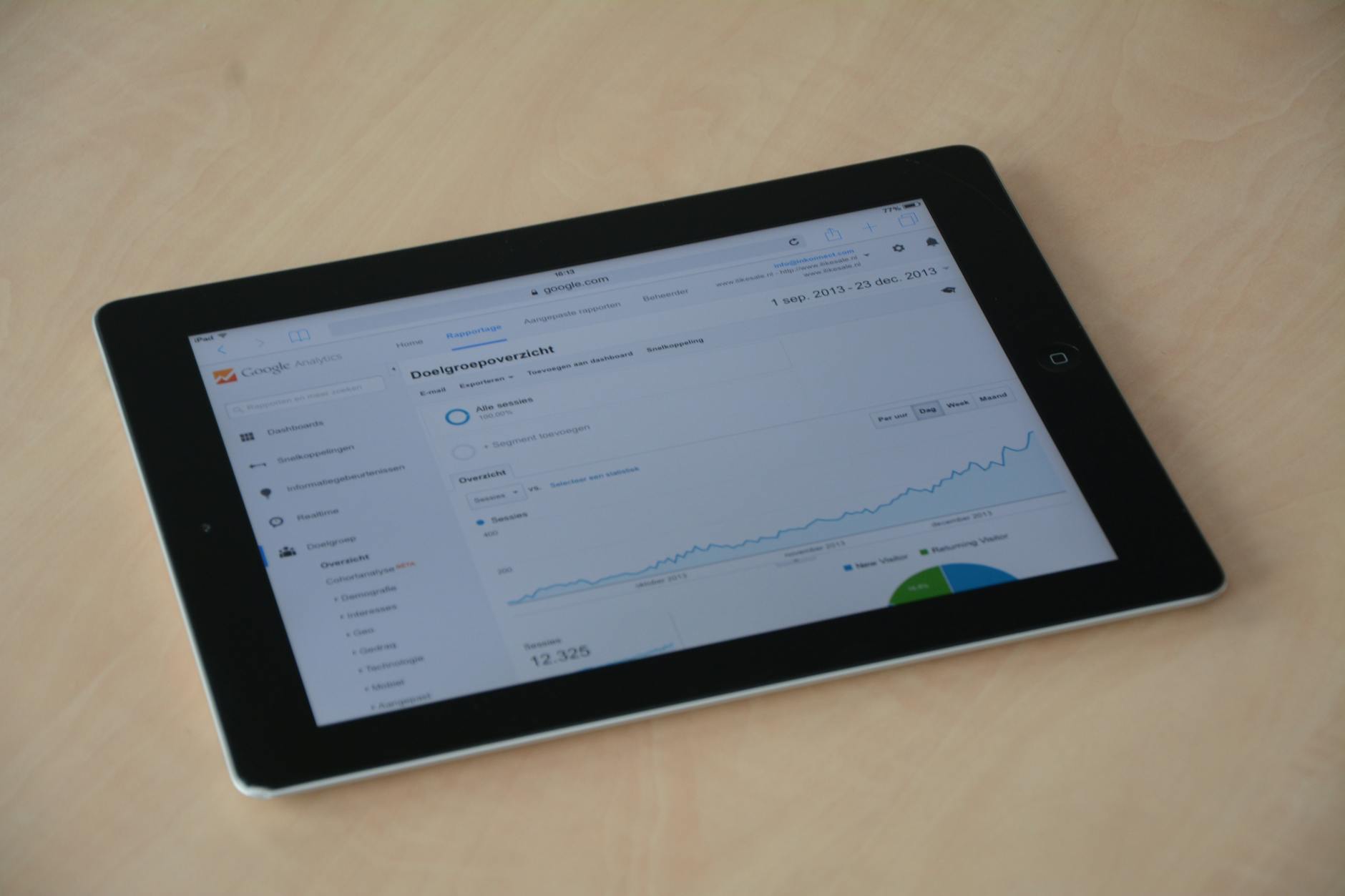
SEO is a long-term investment, not a light switch. Most businesses in Washington County start seeing meaningful organic traffic growth between three and six months after consistent, quality work begins. Without tracking, you cannot tell whether you are on that trajectory or wasting your budget.
Tracking also protects you from agencies or freelancers who produce beautiful reports with meaningless numbers. Impressions going up sounds great until you realize none of those impressions converted into a phone call or a website visit. Knowing what to measure keeps everyone accountable, including yourself.
If you want to go deeper on the financial side of this question, our post on how to measure SEO ROI for small businesses breaks down exactly how to connect traffic data to actual revenue.
Start With Google Search Console
Google Search Console is free, it is directly from Google, and it is the single most important SEO tool you can use. If you have not set it up yet, stop reading and do that first. Go to search.google.com/search-console, add your website, and verify ownership through your domain registrar or by adding an HTML tag to your site.
Once it is verified and collecting data, here is where to focus your attention inside Search Console:
The Performance Report
The Performance report shows your total clicks, total impressions, average click-through rate (CTR), and average position in Google search results. Set the date range to the last 28 days and compare it to the previous 28-day period. You want clicks and impressions trending upward over time.
Look at the “Queries” tab below the graph. This shows you the exact search terms people typed into Google before finding your site. For a St. George business, you should see terms like your city name, your service, and combinations of both. If you are a plumber and none of your top queries include location-specific words, that is a signal worth addressing.
Index Coverage and Core Web Vitals
The Coverage report tells you whether Google can actually crawl and index your pages. Errors here mean Google either cannot find your pages or has chosen not to show them. Fix any red errors first before worrying about anything else.
Core Web Vitals measures how fast and stable your pages feel to real users. Google uses these as ranking signals. Poor scores, especially on mobile, can suppress your rankings even when your content is excellent.
What Google Analytics 4 Tells You About SEO
Google Analytics 4 (GA4) shows you what visitors do after they land on your site from search. Search Console tells you they clicked. GA4 tells you whether they stayed, explored, and converted. Both tools are essential, and they work best when you connect them to each other inside the Search Console settings.
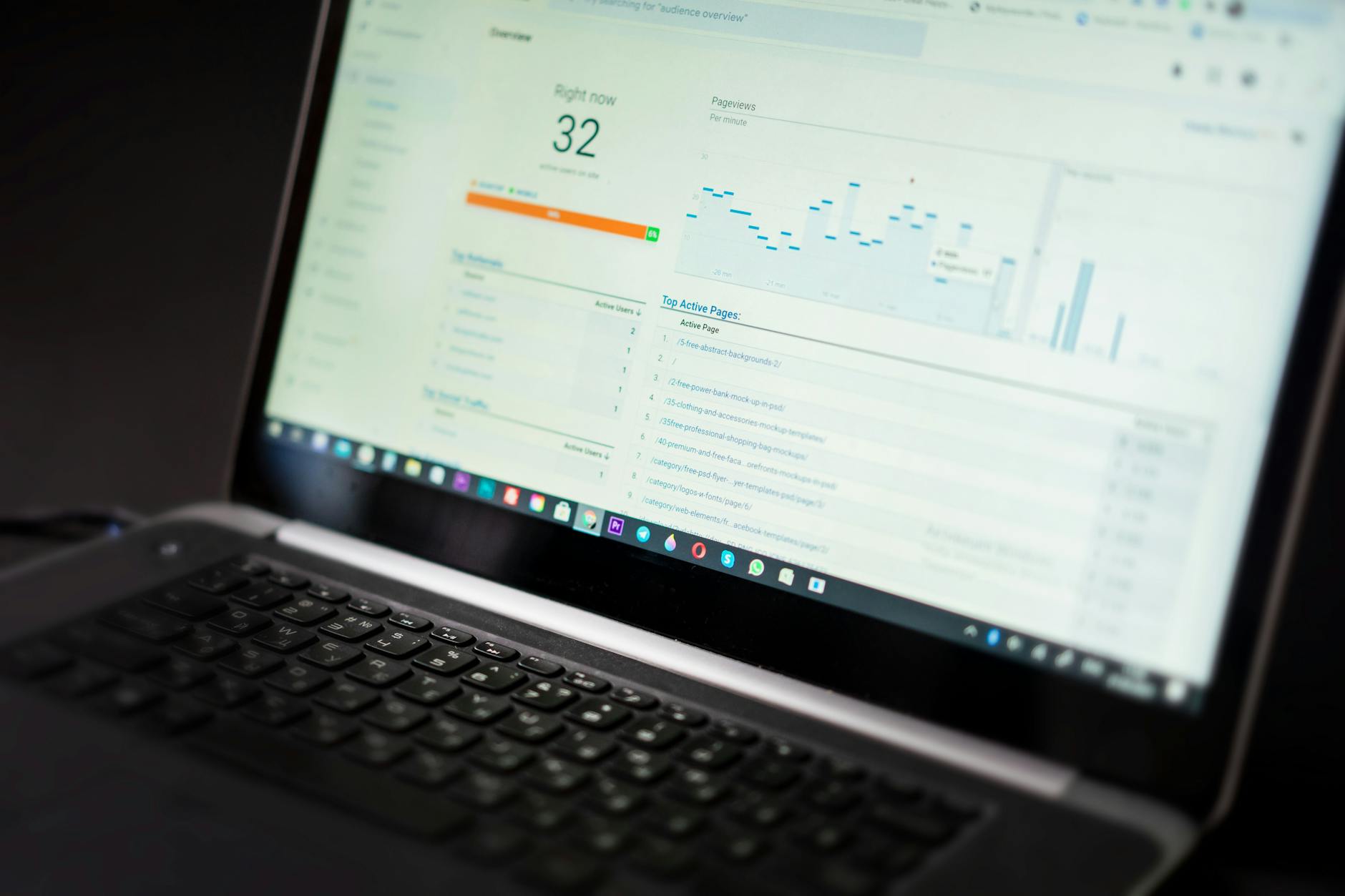
Inside GA4, navigate to Reports, then Acquisition, then Traffic Acquisition. Set the primary dimension to “Session default channel group” and look at the row labeled “Organic Search.” That is your SEO traffic. Track the number of sessions, the engagement rate, and the conversions over time.
Setting Up Conversions in GA4
A conversion is any action that matters to your business: a phone number click, a form submission, a direction request, a booking, or a purchase. GA4 calls these “key events.” You must define them or the data is just numbers with no meaning.
For most St. George service businesses, the two most valuable conversions to track are contact form submissions and phone number clicks. If your developer or agency has not set these up, ask them to do it immediately. Conversion data is what lets you calculate whether your SEO spend is profitable.
How to Track Keyword Rankings in Utah
Keyword ranking data tells you where your website appears in Google search results for specific search terms. Position 1 is the top of the page. Position 10 is the bottom of the first page. Anything beyond position 10 is page two or lower, and very few people ever click there.
Google Search Console gives you average position data, but it blends positions across many searches and locations. For more precise tracking of terms like “St. George HVAC company” or “Southern Utah family dentist,” you need a dedicated rank tracking tool.
Rank Tracking Tools Worth Using
Semrush and Ahrefs are the industry standards for keyword rank tracking. Both offer paid plans that let you input a list of target keywords and track your daily or weekly position for each one. Ubersuggest offers a lower-cost entry point that works well for small business budgets.
When you set up rank tracking, include location-specific keywords tied to St. George, Hurricane, Cedar City, and Santa Clara if you serve those areas. Generic keywords without location context will show you national averages that are not relevant to a local business competing for local customers.
Local SEO Metrics Specific to St. George Businesses
Local SEO has its own set of metrics that are separate from traditional organic search tracking. When someone searches “best electrician near me” in St. George, Google pulls results from its local index, which factors in proximity, relevance, and your Google Business Profile. These results show up in what is commonly called the “map pack” or “local pack” at the top of the search results page.
Ranking in that map pack is often more valuable than ranking in the standard blue links below it, because map pack results are shown prominently, include your phone number, and let users get directions with one tap. Tracking your local pack visibility requires tools like BrightLocal, Whitespark, or the local rank tracking features inside Semrush.
Your Google Business Profile Numbers
Your Google Business Profile (formerly Google My Business) has its own built-in analytics dashboard called “Performance.” Access it by searching your business name in Google while logged into the account that manages the profile, then clicking “View performance.”
The metrics here include how many people searched for your business directly (branded searches), how many found you through a category or product search (discovery searches), how many clicked for directions, how many called your phone number, and how many visited your website. These numbers are direct evidence of local SEO performance.
For Washington County businesses, growth in “discovery searches” over time is one of the clearest signs that your local SEO is improving. It means people who did not already know about you are finding you through Google searches related to what you do.
Ready to Grow Your St. George Business?
Timpson Marketing builds SEO, PPC, social media, and web design strategies that drive real results for Southern Utah businesses.
What Good SEO Progress Actually Looks Like
This is where most business owners get misled. Good SEO progress is not a straight line upward from month one. In the first 90 days, you are mostly laying foundation: fixing technical errors, building out content, earning initial links. Visible ranking movement often starts after that window.
Between months three and six, you should start seeing impressions climb in Search Console, target keywords moving from page three to page two or from page two to page one, and organic traffic sessions beginning to increase. By month six to twelve, well-executed SEO should be producing measurable leads and conversions from organic search.
Benchmarks to Use as Reference Points
There is no universal benchmark that applies to every business, but here are realistic reference points for a small business in St. George. An organic click-through rate above 3 percent for non-branded terms is solid. Month-over-month organic session growth of 5 to 15 percent is healthy during an active SEO campaign. A target keyword moving up five or more positions in a single month is meaningful progress.
If you are six months into an SEO campaign and none of these things are happening, the work may not be effective. Our guide on how to know if your SEO agency is doing a good job gives you a framework for evaluating that situation without needing to be an SEO expert yourself.
Red Flags in Your SEO Reports
Not all SEO reports are honest, and not all SEO campaigns are effective. Here are specific warning signs to watch for when reviewing your data each month.
Your report shows rising impressions but flat or falling clicks. Impressions mean Google showed your page in results. Clicks mean someone actually came to your site. If impressions grow but clicks do not, your titles and meta descriptions may be weak, or you may be ranking for irrelevant searches.
Your agency only reports on keywords you already rank well for. A good SEO partner shows you the full picture, including terms where you have moved up and terms where you have stalled or slipped. Cherry-picked ranking reports are a serious concern.
Organic traffic grows but leads do not. This can mean the traffic is not qualified, your site has conversion problems, or both. Traffic without leads is not SEO success for a service business in St. George.
How Often Should You Review Your SEO Data
For most small businesses, a monthly review of your key SEO metrics is the right cadence. Weekly is too frequent because SEO shifts gradually and short-term fluctuations can create unnecessary panic. Quarterly is too infrequent because you might miss a technical problem or a downward trend for months.
Set a recurring time each month, ideally in the first week, to review these four things: your organic traffic sessions in GA4, your top-performing queries in Search Console, your keyword ranking movements, and your conversion numbers from organic visitors. That review takes 20 to 30 minutes once you are familiar with the tools.
Building a Simple Monthly SEO Scorecard
Create a simple spreadsheet with columns for each month and rows for your key metrics. Track organic sessions, organic conversions, top three target keyword positions, average position in Search Console, and Google Business Profile calls and direction requests. After three months, you will have a clear picture of your trajectory.
This scorecard also makes conversations with your SEO agency or contractor much more productive. Instead of asking “how is SEO going,” you can show specific numbers and ask specific questions. You can also learn how SEO connects to your paid advertising performance by reading our post on measuring digital marketing ROI across channels.
Free and Paid Tools Worth Using
Here is a straightforward summary of the tools discussed in this post, organized by cost and purpose.
| Tool | Cost | Primary Use |
|---|---|---|
| Google Search Console | Free | Clicks, impressions, position, index health |
| Google Analytics 4 | Free | Traffic behavior and conversions |
| Google Business Profile | Free | Local search visibility and GBP engagement |
| Ubersuggest | Free / Low cost | Keyword rank tracking and site audit |
Share This Story, Choose Your Platform!About the Author: Joseph Timpson Related Posts |


Leave A Comment